Correct Home Network Diagram
A simple visual showing how service moves from the provider to key devices in the home.
Some internet companies use one combined modem and router in the same device, often called a gateway.
Step 3
Correct Home Network Diagram
Review this visual first so the layout makes sense before you move on to the walkthrough video.
If you want or need to use a switch, you need to have the modem, router, and switch at the panel. If you have Ethernet and or Coax ports in your home, then you have a panel somewhere in your home where all the cables meet. It can be in a closet, behind a blank faceplate somewhere in the home, or in the attic. The only exception is when you have at least one location in the home with 2 Ethernet ports: one port can bring internet in, and the second port can send internet back to the panel, into the switch, and then out to the rest of the house. This is the only scenario where the router does not need to be in the panel.
ISP
Internet Service Provider
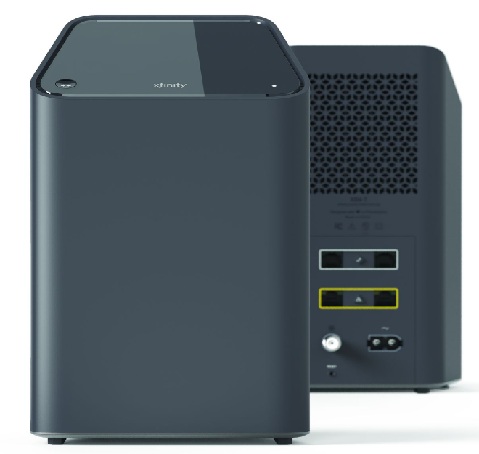
Modem
Receives internet service
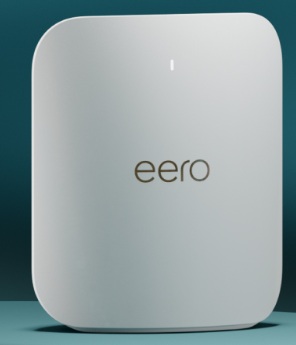
Router
Main mesh unit
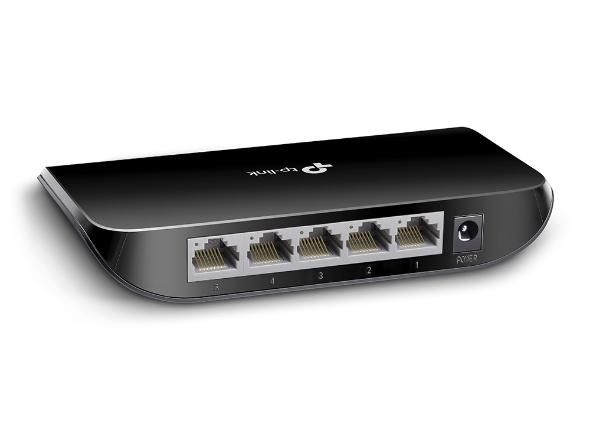
Switch
Feeds wired links
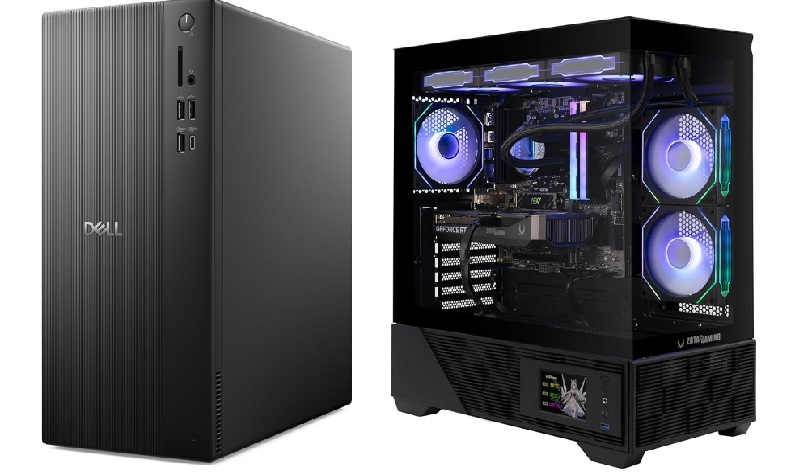
Computer
Desktop or work PC
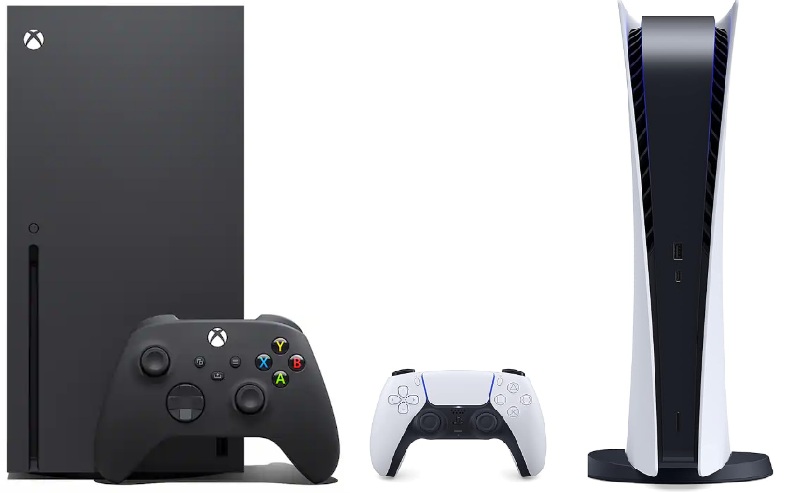
Gaming Console
PS5 / Xbox console
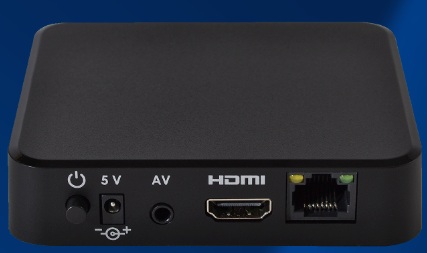
IPTV
Streaming or TV service box
Use this as the simplest starting-point diagram before introducing more advanced layouts.
Correct Mesh Home Network Diagram
A simple visual for homes using a mesh gateway, a switch, and two mesh access points.
ISP
Internet Service Provider
Modem
Receives internet service
Mesh Gateway
Main mesh unit
Switch
Feeds wired links
Mesh Access Point 1
Secondary mesh node
PC
Desktop or work PC
Mesh Access Point 2
Third mesh node
Console
PS5 / Xbox Console