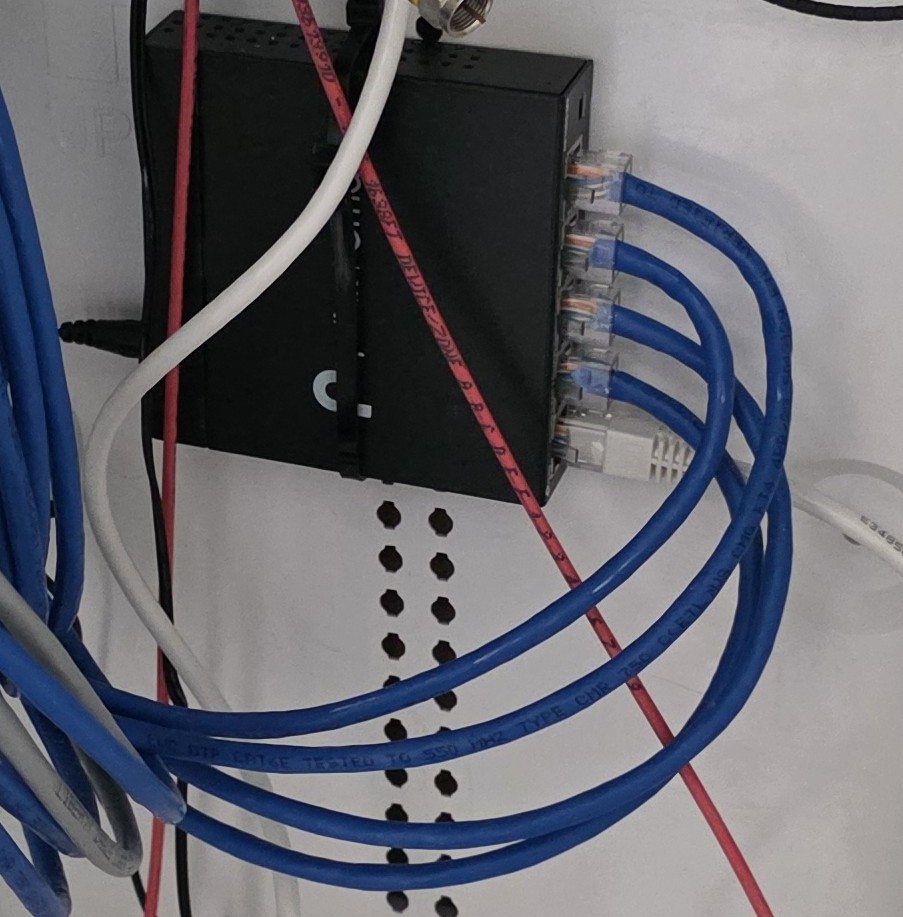
Switch
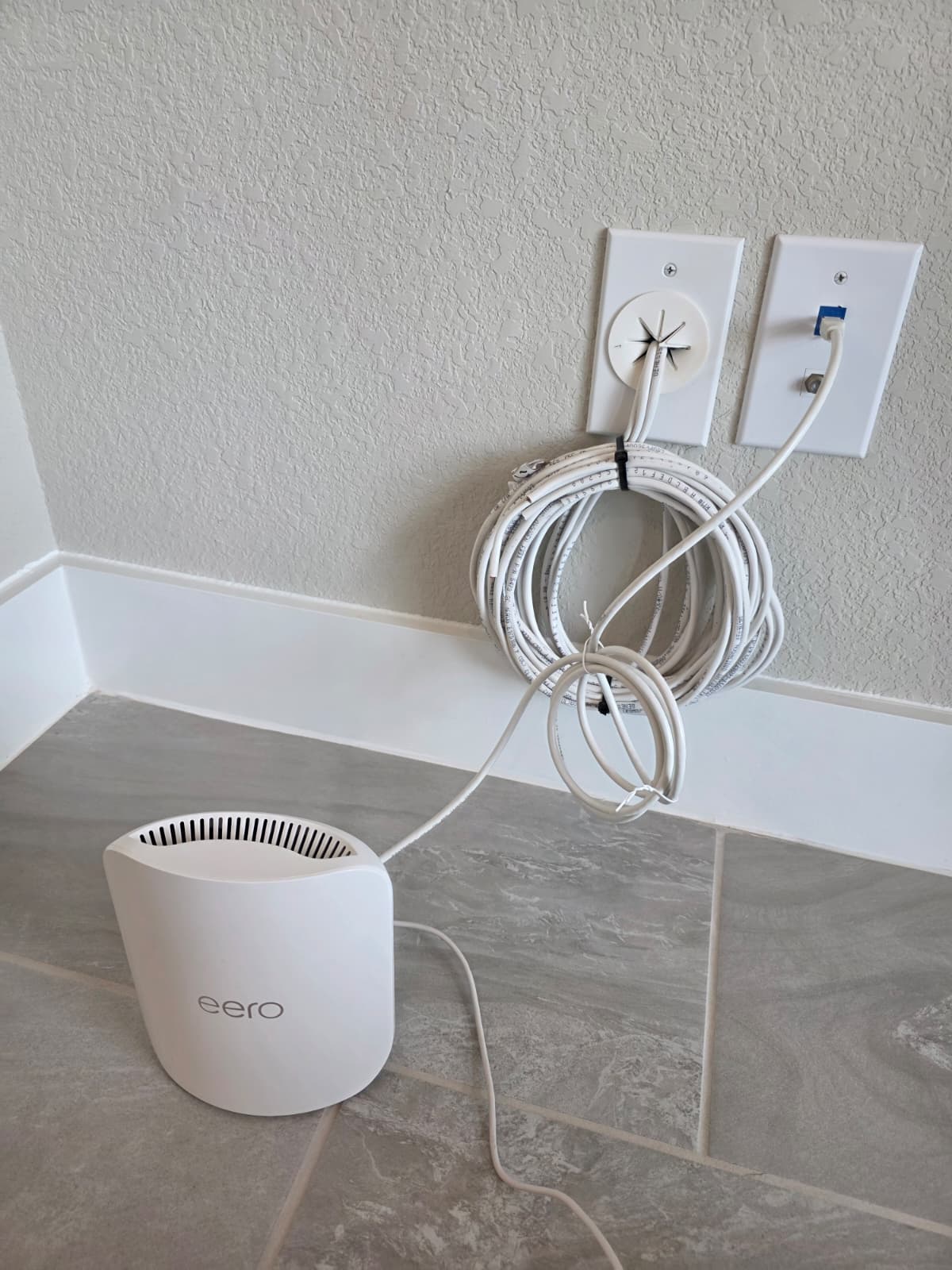
2nd Mesh Hardwired
What this video should cover
- How service gets from the ISP to the modem
- How the router distributes the connection
- When a switch is used
- How wired devices and Wi‑Fi devices fit into the layout
- What a correct basic setup looks like before troubleshooting
Once your network is set up correctly, you are ready to start troubleshooting for bottlenecks.
Next, you’ll begin the first bottleneck test with a hardwired speed test from a PC or laptop.
Continue to Hardwired Speed TestThis step establishes a clean baseline before comparing wired performance to Wi‑Fi performance.